What are the 7 Major Components of a Computer

In this article, we’ll unpack the 7 Major components of a computer that make your computer run:
1. Central Processing Unit (CPU)
2. Motherboard
3. Random Access Memory (RAM)
4. Power Supply Unit (PSU)
5. Storage Device (HDD/SSD)
6. Graphics Processing Unit (GPU) / Video Card
7. Input/Output (I/O) Devices
Introduction
When most people think of a computer, they consider the screen, keyboard, or maybe the sleek design of the case. But the real things happens under the hood. Inside every desktop PC or laptop lies a carefully engineered system of hardware that makes everything from browsing the web to running complex simulations, coupled with AI, making things even faster and efficient.
For students, tech enthusiasts, or anyone curious about how computers work, it’s important to know the 7 major components of a computer i.e. . Central Processing Unit (CPU), Motherboard, Random Access Memory (RAM), Power Supply Unit (PSU), Storage Device (HDD/SSD), Graphics Processing Unit (GPU) / Video Card, and Input / Output (I/O) Devices. This knowledge not only builds appreciation for the technology used every day but also helps when troubleshooting, maintaining or upgrading.
The 7 Major Components of a Computer (Explained)
Let’s dive into the list of the 7 major components of a computer and explore each one on its own.
1. Central Processing Unit (CPU)
The CPU is often called the brain of the computer. It executes instructions and manages tasks that keep your system running. Performance is measured in gigahertz (GHz), with higher numbers generally meaning faster processing. Modern CPUs also rely on multiple cores to handle multitasking more efficiently. You can learn more about microprocessors in detail in our other article, Introduction to Microprocessor.

2. Motherboard
The motherboard is the backbone that connects all the other components together. It ensures smooth communication between the CPU, RAM, storage, GPU, I/O devices, and the power supply. Choosing the right motherboard is critical for compatibility and future upgrades, as it determines support for expansion cards, additional RAM slots, storage devices (SSD/HDD), and other peripheral components.

3. Random Access Memory (RAM)
Random Access Memory (RAM) is the computer’s short-term memory, used to store data temporarily while the system is running. Since it’s a volatile type of memory, all information is lost when the computer shuts down. Having more RAM allows for smoother multitasking and better performance in demanding or complex applications. To learn more about RAM, head over to our article titled Understanding Primary Memory.
4. Power Supply Unit (PSU)
The Power Supply Unit (PSU) is the powerhouse of the computer, delivering clean and stable power to every component in real time. A reliable PSU not only keeps the system running but also protects it from power surges while ensuring that each part receives the right amount of energy. High-performance PCs often require higher-wattage PSUs with strong efficiency ratings for optimal performance.
5. Storage Device (HDD/SSD)
The storage device (HDD/SSD) is where the operating system, files, and applications are kept for both current use and future access. There are two main types of storage:
HDDs (Hard Disk Drives): Affordable and high-capacity, but generally slower in performance.
SSDs (Solid State Drives): Much faster, more durable, and increasingly popular in modern systems.
Unlike RAM, these storage devices are non-volatile, meaning data remains safe even when the computer is turned off or shuts down. You can read more about storage devices in our article on Secondary / Auxiliary Storage Devices.
6. Graphics Processing Unit (GPU) / Video Card
The Graphic Processing Unit (GPU) or simply Graphic Card is a specialized hardware for rendering images, video, and 3D graphics. Gamers, video editors, and designers benefit greatly from a powerful GPU. In addition, GPUs have paved the way for making AI technology widely accessible, as most AI models require specific GPU power and memory to run efficiently and produce results. While some CPUs include integrated graphics, a dedicated graphics card significantly boosts performance.

7. Input/Output (I/O) Devices
Input/Output (I/O) devices include everything used to interact with a computer, for input (feeding data into the system) and output (receiving results from the system). This includes USB ports, HDMI connectors, Ethernet jacks, and peripherals such as keyboards, mice, and printers. Without these devices, a computer wouldn’t be functional for everyday use. To learn more about input and output devices, read our article Introduction to Computer Hardware
Conclusion
The 7 major components of a computer such as CPU, motherboard, RAM, PSU, storage, GPU, and I/O devices are the foundation of every system. Each plays a unique role, and together they transform raw data into the seamless digital experiences.
For beginners, understanding these core components is the first step toward building, upgrading, or simply appreciating computers on a deeper level. As a next step, explore how operating systems manage these resources and how smart upgrades can unlock even better performance. Knowing the functions and interactions of these components also helps with troubleshooting and optimizing your PC for specific tasks, whether it’s gaming, design, or running AI applications.
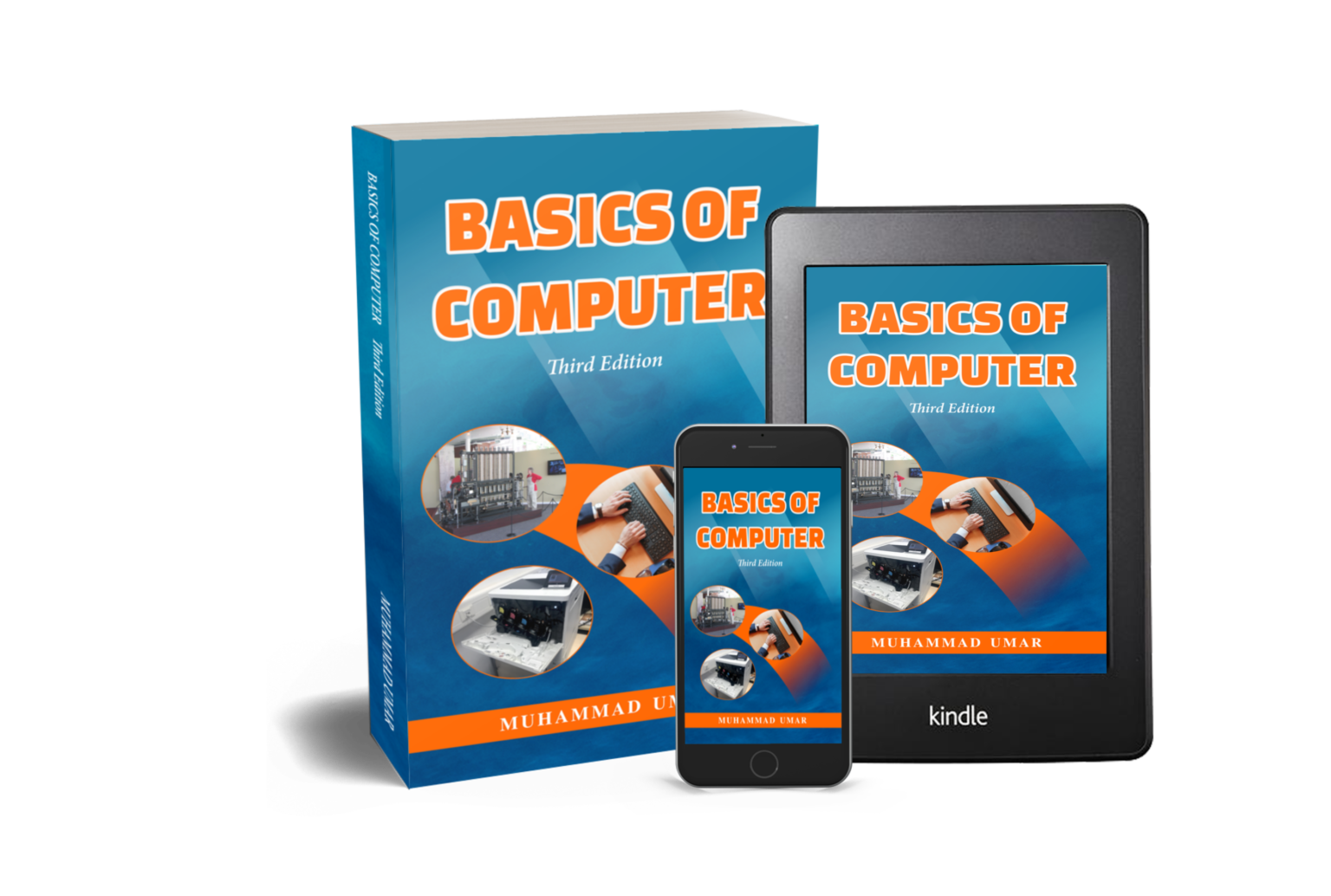
Take your understanding of the 7 major components of a computer even further with Basics of Computer, Third Edition. This easy-to-follow guide breaks down complex concepts into plain English, helping you navigate your PC confidently and boost productivity.
📘 Grab your copy today and start learning something new every day!
FAQs
Q1. What are the 7 major components of a computer?
A: The 7 major components of a computer are Input Devices, Output Devices, CPU (Central Processing Unit), Memory, Storage Devices, Motherboard, and Power Supply.
Q2. How many major components are in a computer?
A: A typical computer has 7 major components: Input Devices, Output Devices, CPU, Memory, Storage Devices, Motherboard, and Power Supply.
Q3. What are the main components of a computer system?
A: The main components include Input Devices, Output Devices, CPU, Memory, Storage, Motherboard, and Power Supply.
Q4. What are the components of computer hardware?
A: Computer hardware components include CPU, RAM, Motherboard, Storage devices, Input and Output devices, Power Supply, and expansion cards.
Q5. What are the 5 main components of a CPU?
A: The 5 main components of a CPU are the Arithmetic Logic Unit (ALU), Control Unit (CU), Registers, Cache, and the Clock.
Q6. Which device acts as the brain of the computer?
A: The CPU (Central Processing Unit) acts as the brain of the computer, executing instructions and managing all hardware operations.
Q7. What is RAM and ROM in a computer?
A: RAM (Random Access Memory) is volatile memory used to store data temporarily for running programs, while ROM (Read-Only Memory) is non-volatile memory that stores permanent instructions for the computer.
Q8. Can a computer run without a CPU?
A: No, a computer cannot run without a CPU, as it is essential for processing instructions and controlling all hardware components.
Q9. What are the seven essential parts of a typical desktop computer?
A: The essential parts include Monitor, Keyboard, Mouse, CPU, RAM, Storage Device, and Power Supply.
Q10. What are the major components of a system?
A: A computer system consists of Input Devices, Output Devices, CPU, Memory, Storage, Motherboard, and Power Supply.
Q11. What are the 8 components of a computer system?
A: Some references add Graphics Card or Network Interface to the 7 major components, making it 8 components: Input Devices, Output Devices, CPU, Memory, Storage, Motherboard, Power Supply, and Graphics Card/Network Interface.
Q12. What components are common to all computer systems?
A: All computer systems have CPU, Memory, Input Devices, Output Devices, Storage, Motherboard, and Power Supply.
Q13. What are the 10 main parts of a computer?
A: Commonly listed as CPU, RAM, Motherboard, Storage devices, Power Supply, Input Devices, Output Devices, GPU (Graphics Card), Cooling System, and Network Interface.
Q14. What are the fundamentals of a computer?
A: The fundamentals include understanding the main components: CPU, Memory, Input/Output Devices, Storage, Motherboard, and Power Supply.
Related Posts
Learn more General Concepts
Interesting Stuff in your Inbox
Subscribe to our mailing list to get interesting stuff and updates right in your email inbox. Promise, we will never sell your info to any third party.
Basics of Computer By Muhammad Umar
Basics of Computer, Third Edition, eradicates any intimidation about the computer. With a minimal investment of time, you’ll soon be able to understand basic concepts and perform simple tasks on your computer.

Recent Posts
Ask a Question
Do you have any questions? Rest assured, we're here to provide answers. Join us in our forum where you can engage in fruitful discussions, ask your queries, and receive insightful responses from our esteemed authors and community members. We look forward to your active participation and valuable contributions as we collectively explore various topics. Let's come together and share your thoughts!