Computers

The use of computer, software, and telecommunication equipment for data handling is called Information Technology (IT), which is also known as Information and Communication Technology (ICT). It deals with the manipulation of information with the help of computers and software. It processes, stores, protects, transfers, and retrieves information. Although the term ICT applies to computers it also covers other information distribution systems such as radio, telephone, and television.
Computer
The term computer can be used for any kind of calculating device that can perform simple or complex computations. In a nutshell, any device capable of performing calculations is referred to as a computer. In general, the term is applied only to an electronic digital device that comes with a Central Processing Unit (CPU), keyboard, mouse, and monitor.
Definitions of Computer
Definition # 1
A computer is a complex machine which receives data in the form of input, processes it and finally gives result in the form of output.
Definition # 2
A computer is an electronic device with the capability of accepting data, running predefined processes on data, and providing outputs of these processes.
Definition # 3
A computer is an automatic device that processes provided input data in a predefined way and supplies the required results.
Definition # 4
It is a computational device that gets data from several input devices. It processes the given data through a set of stored instructions at a very high speed and precision. Once required processes on data are completed, the result is provided on output devices.
Uses
Computers are now an integral part of our lives, we come across with computers in one way or another in our daily life. For instance, visiting a bank to withdraw or deposit money, reserving a seat, or buying a product online, involve interaction with a computer system explicitly or implicitly.
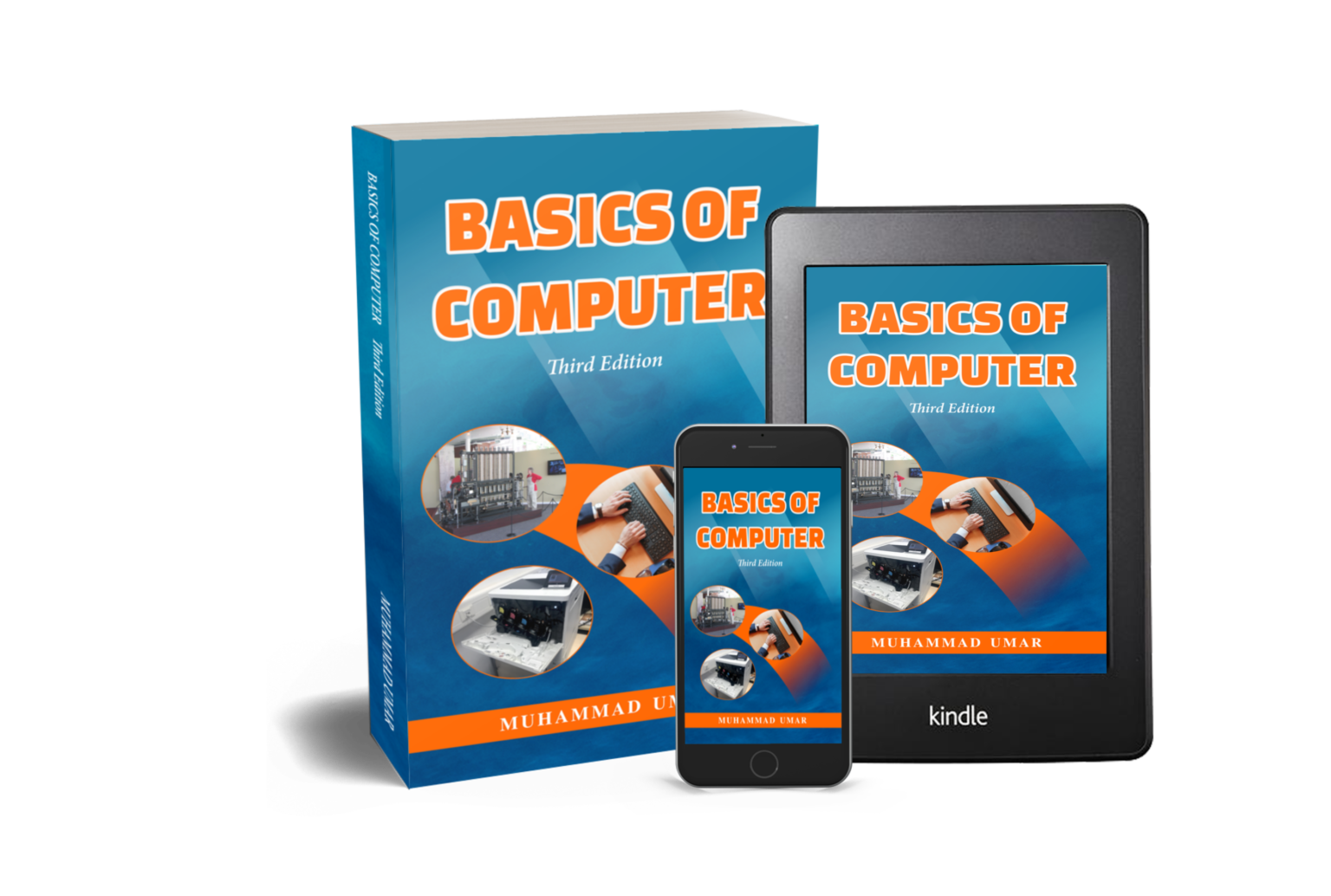
This article is taken from the book “Basics of Computer, Third Edition” by Muhammad Umar. Get a copy here and read more articles useful for both beginner and professionals.
FAQ
Q1: What is a computer (short answer)?
A computer is an electronic device that accepts data, processes it using instructions, and produces useful results (output).
Q2: What are the basics of a computer?
The basics include input (entering data), processing (handling data using CPU and memory), output (displaying results), and storage (saving data for later).
Q3: What are the most important things every computer does?
Every computer does four basic things: input, process, output, and store data.
Q4: What’s the difference between a PC and a computer?
A PC (Personal Computer) is a type of computer designed for use by individuals, while “computer” is a general term for any calculating device.
Q5: Can I teach myself computer basics?
Yes, many people learn computer basics on their own through tutorials and practice.
Q6: What are the parts of a computer?
Key parts include the CPU, motherboard, RAM, storage (HDD/SSD), power supply, GPU, and input/output devices like keyboard and mouse.
Q7: What are the 7 major components of a computer?
The 7 major components are CPU, motherboard, RAM, power supply unit (PSU), storage device, GPU/video card, and I/O devices.
Q8: What is computer hardware?
Hardware refers to the physical parts of a computer – the things you can touch like keyboard, monitor, CPU, and storage devices.
Q9: What’s the difference between RAM and ROM?
RAM is temporary high‑speed memory used while the computer is running, whereas ROM holds permanent instructions required to start the computer.
Q10: What does 8GB RAM and 128GB ROM mean?
This means the computer has 8 GB of temporary working memory (RAM) and 128 GB of permanent storage (ROM/flash).
Q11: What are input devices?
Input devices let you enter data into the computer, e.g., keyboard, mouse, scanner.
Q12: What is the most common input device?
The keyboard is the most commonly used input device.
Q13: What is an output device?
Output devices show results from the computer, e.g., monitor, printer.
Q14: Is a touchscreen an input device?
Yes, touchscreens act as both input and output devices.
Q15: What is a good basic computer to buy?
A good basic computer has sufficient RAM (8 GB or more), a modern processor, and enough storage for your needs.
Q16: Which computer is best for home use?
For most homes, a mid‑range laptop or desktop with 8–16 GB RAM and SSD storage is ideal.
Q17: Is it cheaper to build or buy a PC?
Building a PC can be cheaper and customizable, but buying a prebuilt system is easier for beginners.
Q18: How much RAM do I need?
8 GB RAM is enough for everyday tasks; 16 GB is better for future‑proofing.
Q19: What is the first thing to learn in computers?
Start with understanding the basic parts of a computer and how to use input devices like the keyboard and mouse.
Q20: How to learn computer as a beginner?
Begin with basic tutorials on using operating systems, typing, and understanding hardware and software.
Q21: How do I use a mouse?
Move the mouse to control the cursor and click to interact with items on the screen.
Q22: How to teach an older person to use a computer?
Start slow: show them how to use the mouse and keyboard, then basic apps and internet basics.
Q23: Can you use a desktop without internet?
Yes, desktops work without the internet for basic tasks and software that don’t require online access.
Q24: What is a small computer called?
Small computers are often called mini PCs, netbooks, or compact systems.
Related Posts
Learn more General Concepts
Interesting Stuff in your Inbox
Subscribe to our mailing list to get interesting stuff and updates right in your email inbox. Promise, we will never sell your info to any third party.
Basics of Computer By Muhammad Umar
Basics of Computer, Third Edition, eradicates any intimidation about the computer. With a minimal investment of time, you’ll soon be able to understand basic concepts and perform simple tasks on your computer.

Recent Posts
Ask a Question
Do you have any questions? Rest assured, we're here to provide answers. Join us in our forum where you can engage in fruitful discussions, ask your queries, and receive insightful responses from our esteemed authors and community members. We look forward to your active participation and valuable contributions as we collectively explore various topics. Let's come together and share your thoughts!