Guidelines for computer cleaning and repairing
In this article, you will discover essential guidelines for computer cleaning and repairing. Cleaning and spraying a computer correctly is crucial for the best performance of any computer, but for many users, it still remains a mystery. Cleaning and properly repairing a computer not only helps it run faster but also extends its lifespan.
This article will help you understand how to clean a computer step by step, follow proper maintenance practices, and avoid common mistakes. You can also download a computer maintenance PDF for future reference.
How to Clean a Computer Step by Step
Proper cleaning should always be done carefully and systematically. Follow these steps to clean your computer safely without harming your device and yourself.
1️⃣ Shut down the computer and unplug it from the power source.
2️⃣ Disconnect all external devices such as keyboard, mouse, USB cables and Printer.
3️⃣ Move the system to a clean, dry, and well-lit area where you can see all the parts clearly.
4️⃣ Open the CPU case carefully using proper tools.
5️⃣ Use a soft brush or compressed air to remove dust from internal components. Don’t use very high compressed air it may damage or remove the tiny components.
6️⃣ Clean the keyboard and mouse using a dry or slightly damp microfiber cloth. You can also use dedicated tools for cleaning keyboard and mouse.
7️⃣ Wipe the monitor screen gently with a screen-safe cleaning cloth.
8️⃣ Close the CPU case securely after cleaning.
9️⃣ Reconnect all cables properly.
🔟 Power on the system and check functionality.
PC Maintenance Cleaning Safety Guidelines
▶️ Don’t spray any part of a computer directly with cleaning liquids.
▶️ Wear an anti-static wrist strap or use an anti-static mat before touching internal components.
▶️ Use a vacuum cleaner designed specifically for computers to clean internal parts.
▶️ Don’t try to clean inside the monitor because it carries high voltage even when unplugged.
▶️ Disconnect the monitor from the main power supply before cleaning its outer surface.
10 Ways to Take Care of Computer
Proper care reduces breakdowns and improves performance. Below are 10 ways to take care of a computer:
✔️ Keep your computer in a dust-free environment.
✔️ Clean internal and external parts regularly.
✔️ Use antivirus and keep it updated.
✔️ Avoid installing unnecessary software, extension and adds-on.
✔️ Shut down the computer properly.
✔️ Protect the system from power surges using a UPS.
✔️ Keep software, operating systems and device drivers updated.
✔️ Avoid eating or drinking near the computer.
✔️ Ensure proper ventilation for heat control.
✔️ Backup important data regularly.
Computer Maintenance Steps
Computer maintenance involves both hardware and software tasks. Common computer maintenance steps include:
✔ Physical cleaning of hardware components
✔ Checking cables and connections
✔ Updating operating systems and drivers
✔ Scanning for viruses and malware
✔ Removing unused programs
✔ Monitoring system performance
Computer Maintenance Checklist
Keeping your computer clean and well-maintained is essential for optimal performance, reliability, and longevity. Regular physical cleaning and software maintenance can prevent hardware damage, data loss, and system slowdowns.
This checklist provides a simple, step-by-step guide to ensure your computer stays in top condition. A computer maintenance checklist helps ensure nothing is missed. Download this checklist as PDF.
| Task | Frequency | Status |
|---|---|---|
| PHYSICAL CLEANING | ||
| Wipe down screen and casing | Weekly | |
| Clean keyboard and mouse | Monthly | |
| Dust internal fans and vents | Every 3–6 Months | |
| SOFTWARE MAINTENANCE | ||
| Update antivirus definitions | Daily / Auto | |
| Backup critical data | Weekly | |
| Check for OS updates | Monthly | |
| Uninstall unused programs | Quarterly | |
| Defragment HDD (Skip for SSD) | Quarterly | |
Click here to download this checklist as PDF.
Types of Computer Maintenance
There are different types of computer maintenance, including:
-
Preventive Maintenance – Regular cleaning and updates to prevent issues
-
Corrective Maintenance – Fixing problems after they occur
-
Predictive Maintenance – Monitoring performance to prevent future failures
Maintenance of Computer Hardware and Software PDF
Computer maintenance includes both hardware and software care. Our maintenance of computer hardware and software PDF covers:
Hardware Cleaning and Preventive Procedures
Software Updates and Security Patches
Disk Cleanup and Performance Optimization
Advanced Backup and Recovery Methods
Network and WiFi Performance Maintenance
Laptop Battery Care and Longevity
Malware Removal and Security Auditing
This PDF is ideal for students, technicians, and beginners. Download it here.
Computer Repair and Maintenance Notes PPT
For educational purposes, computer repair and maintenance notes PPT files are commonly used in schools and training centers. These presentations typically explain:
Computer parts and functions
Common hardware issues
Basic troubleshooting techniques
Safety precautions
Maintenance schedules
Computer Maintenance PDF (Downloadable Resource)
If you want a ready reference guide, a computer maintenance PDF provides step-by-step instructions, safety tips, checklists, and diagrams that make learning easy and practical.
Final Note
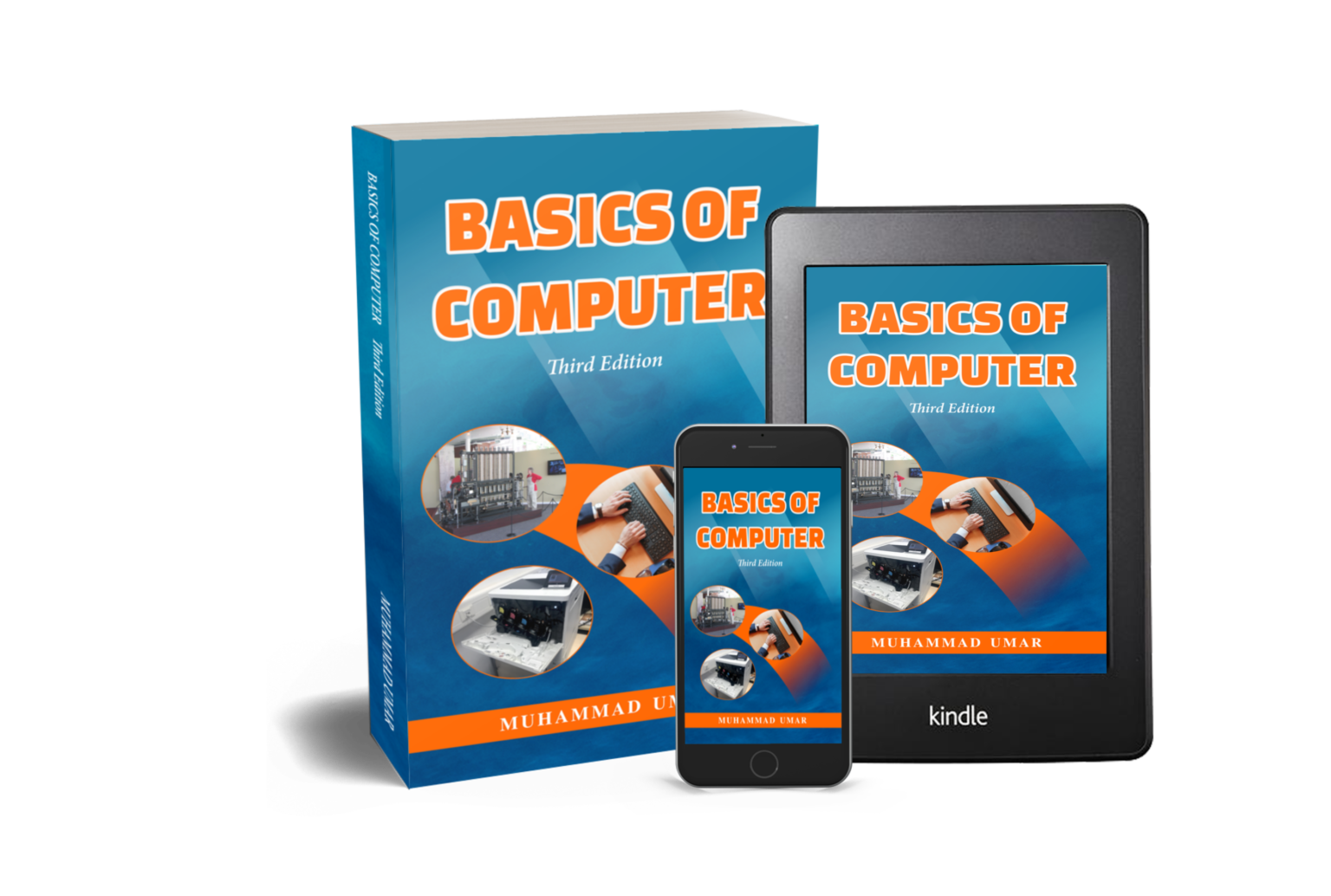
This article has been taken from the book “Basics of Computer, Third Edition” by Muhammad Umar. To continue reading more detailed guidelines, practical examples, and illustrations, grab a copy of the book. This book will sharpen your understanding and basic knowledge of computers. It is a perfect resource for both beginners and professionals.
Related Posts
Learn more General Concepts
Basics of Computer By Muhammad Umar
Basics of Computer, Third Edition, eradicates any intimidation about the computer. With a minimal investment of time, you’ll soon be able to understand basic concepts and perform simple tasks on your computer.

Recent Posts
Ask a Question
Do you have any questions? Rest assured, we're here to provide answers. Join us in our forum where you can engage in fruitful discussions, ask your queries, and receive insightful responses from our esteemed authors and community members. We look forward to your active participation and valuable contributions as we collectively explore various topics. Let's come together and share your thoughts!